Overview
Integrations are connections to external systems which let you automatically import existing data into Revision. You can set up integrations from the integrations tab in an organization's settings.
Setup
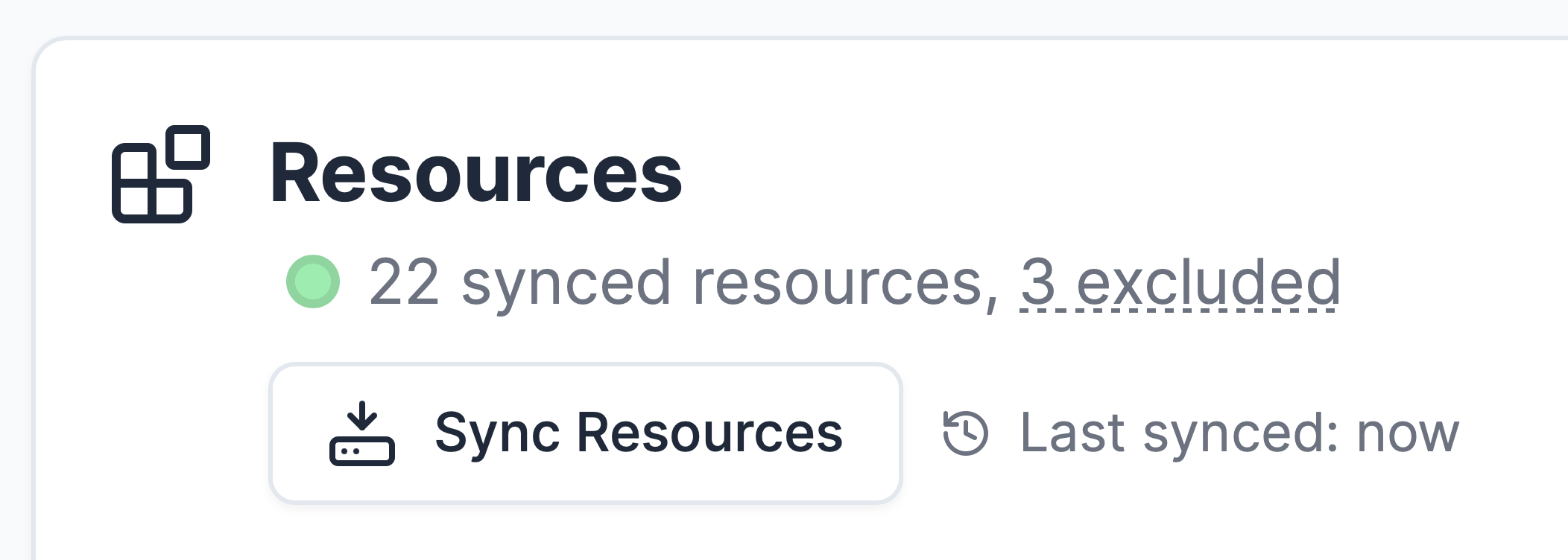
Set up a connection, test it, and sync resources. Select the resources you would like to import, and press "Import to Revision".
Importing
Reimporting a resource updates its component.
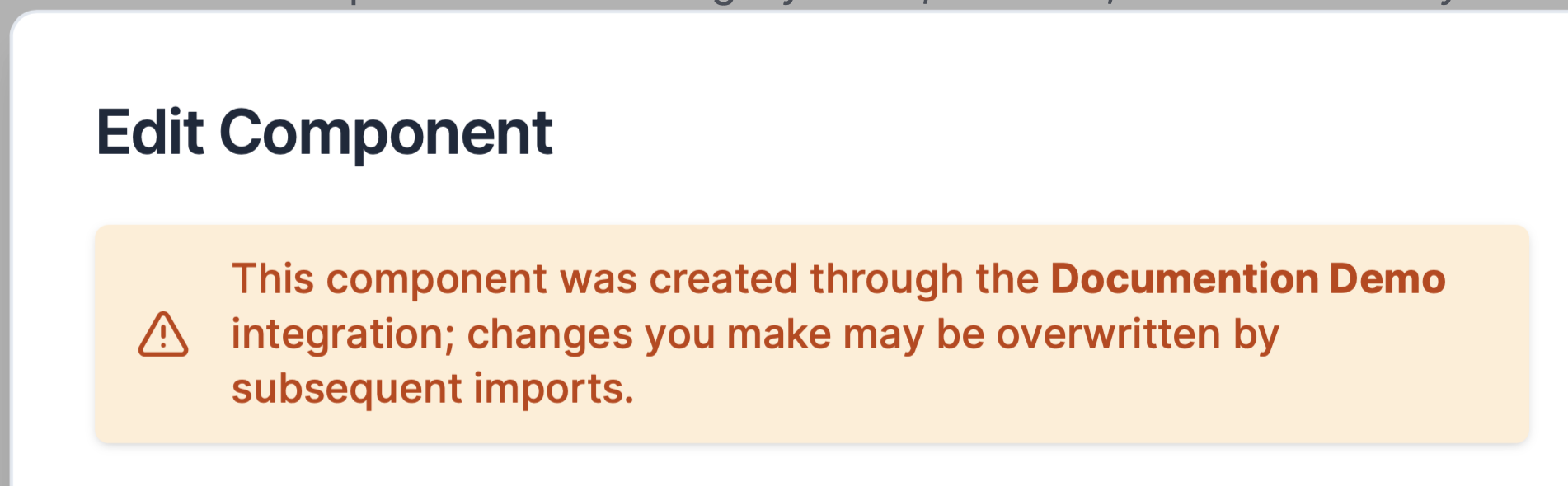
Imported components will be marked as such in Revision. When editing an imported component, Revision will inform you that any changes you make will be overwritten by any subsequent imports:
Available Integrations
Revision supports integrations with several external systems:
- Microsoft Azure - Import cloud resources from Azure subscriptions
- Microsoft BizTalk Server - Import integration components from BizTalk applications
Each integration provides automated discovery and synchronization of resources, helping you maintain an up-to-date architecture model without manual data entry.
Custom Integrations
For organizations with specific integration requirements or systems not covered by our built-in integrations, Revision provides a comprehensive API that enables you to build custom integrations tailored to your needs.
The Revision API allows you to programmatically create, update, and manage components, attributes, tags, and other architectural elements. This gives you full flexibility to integrate with any system, implement custom data transformation logic, or build automated workflows that suit your organization's specific requirements.
Enriched Component Data
Integrations use attributes to enrich your components with system-specific data, providing deeper context and direct links back to source systems.
For example:
- Azure components will always have an updated link back to their Azure Portal URL
- BizTalk components will include information about adapter type, transformations, and other BizTalk-specific system information
This enrichment means your architecture diagrams aren't just visual representations - they become living documentation with direct connections to your actual infrastructure and systems.