Components
Components are items used to model things like systems, services, databases, API endpoints, and so much more. They are reusable throughout Revision, so you can place many instances of them in your diagrams.
An edit to a component will be reflected everywhere it is used.
Component Placeholders
Components always start as component placeholders. A component placeholder is a simpler component instance that exists only within that specific diagram. You can later convert placeholders to full components when you need more functionality.
Component placeholders provide a quick way to start diagramming without immediately committing to creating reusable components in your model. Convert placeholders to full components when you're ready to share them across multiple diagrams or add detailed attributes.

| Placeholder | Component in Model | |
|---|---|---|
| Scope | Exists only in the current diagram | Lives in the model, reusable across all diagrams |
| Sharing | Cannot be shared between diagrams | Can be used in multiple diagrams |
| Attributes | Not supported | Full support for custom attributes and metadata |
| Lifecycle | Not supported | Draft, Active, and Archived states |
| Attachments | Not supported | Can have file attachments |
State and Lifecycle
Components can have a Draft, Active, or Archived state.
- Draft components are not part of your overall model and can’t be used in active diagrams.
- Active components can be used anywhere, in both draft and active diagrams.
- Archived components remain in your diagrams, but are excluded from the model and are not reusable.
You can’t move a component back to Draft while it’s used in any active diagram.
We recommend you archive active components before deleting them. Doing so will hide them when diagramming, not affect existing uses, and not make it a permanent decision quite yet.
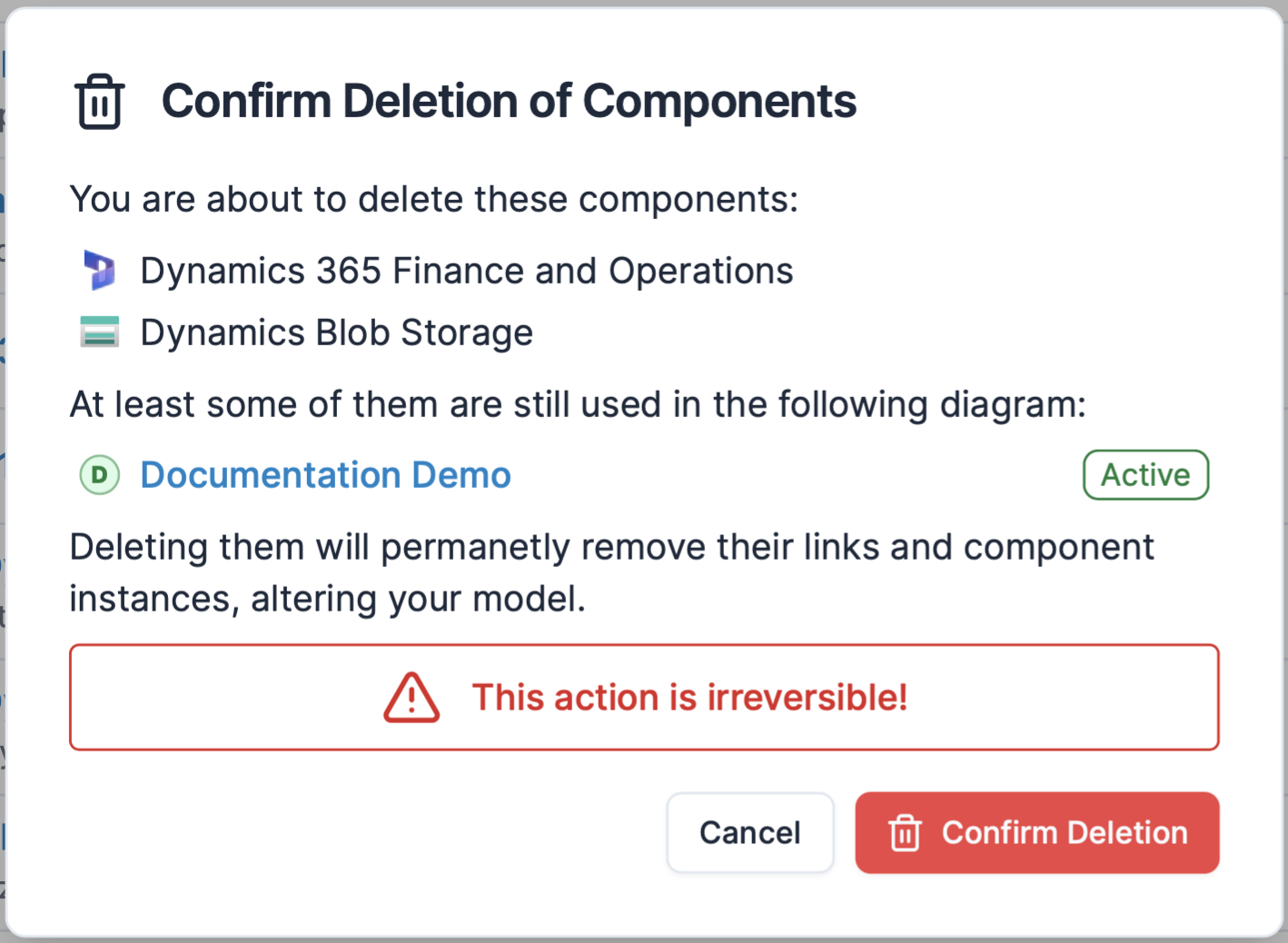
When you do decide to delete a component, Revision will inform you if—and if so, where—it still is used, to help you make sure you are not changing your model in an unexpected way.
Type
Types are used to give further context to a component. In higher-level diagrams, types are typically things like System, External system, User, Customer, and other more abstract types. In lower-level diagrams, types are usually more concrete, such as Database, or even more specific, like Azure Logic Apps, etc.
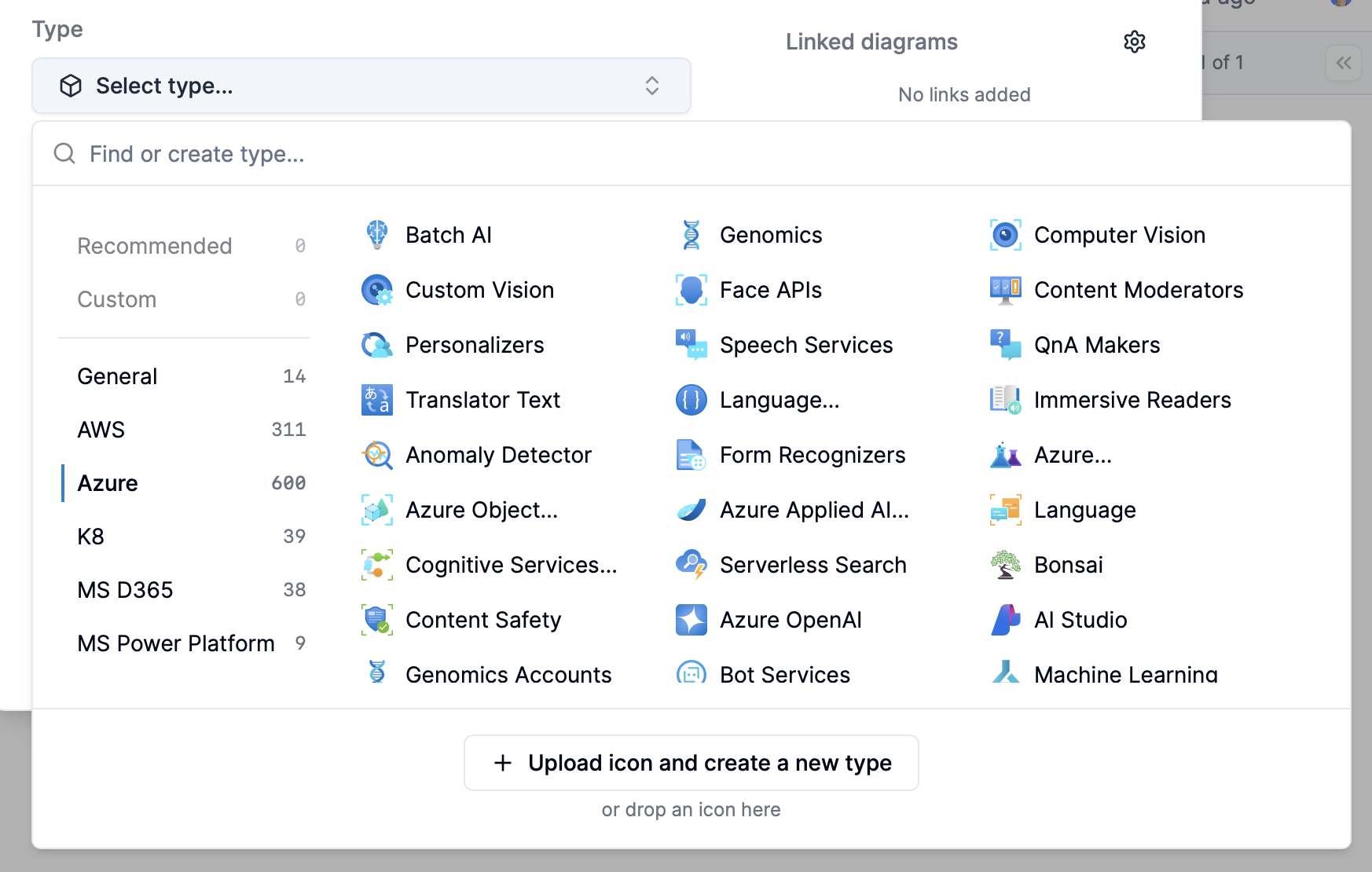
Revision ships with more than a thousand types with icons ready for you to use, but should the need arise you can upload custom icons (in SVG format) to create your own types.
Attributes
Attributes are a way of adding custom metadata to your components. Learn more on the documentation page for Attributes.
Attachments
Attachments are files that can be uploaded and attached to your components.
API Integration
Components can be programmatically managed using the Components API for creating, updating, and organizing components automatically.